From any screen, go to the Transactions menu item and select Bulk Load New ULDs. The screen opens.
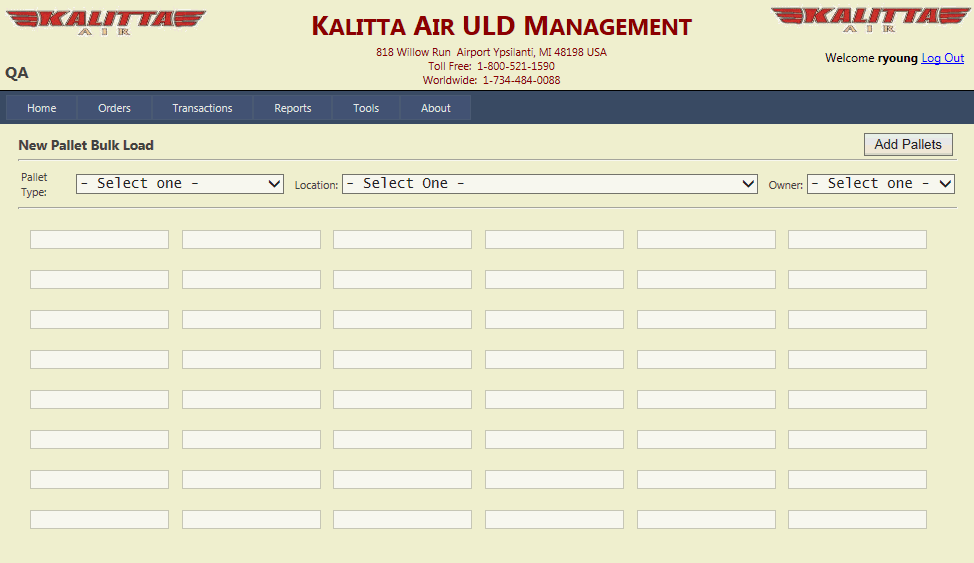
Select a pallet type from the Pallet Type dropdown.
Select a location from the Location dropdown.
Select an owner from the Owner dropdown.
Enter a pallet number for each pallet being added that has the same pallet type, location, and owner.
Click Add Pallets. The pallets entered are added to the database.
To enter more (different) pallet types, repeat Steps 2 through 6.